
Video Walkthrough
xBull wallet is a popular wallet in the Stellar ecosystem. It supports testnet transactions, though one difficulty in the process is funding the testnet account to work with. Here's a work-around, that allows the use of xBull Wallet for testnet development.
Set xBull to use Test Network
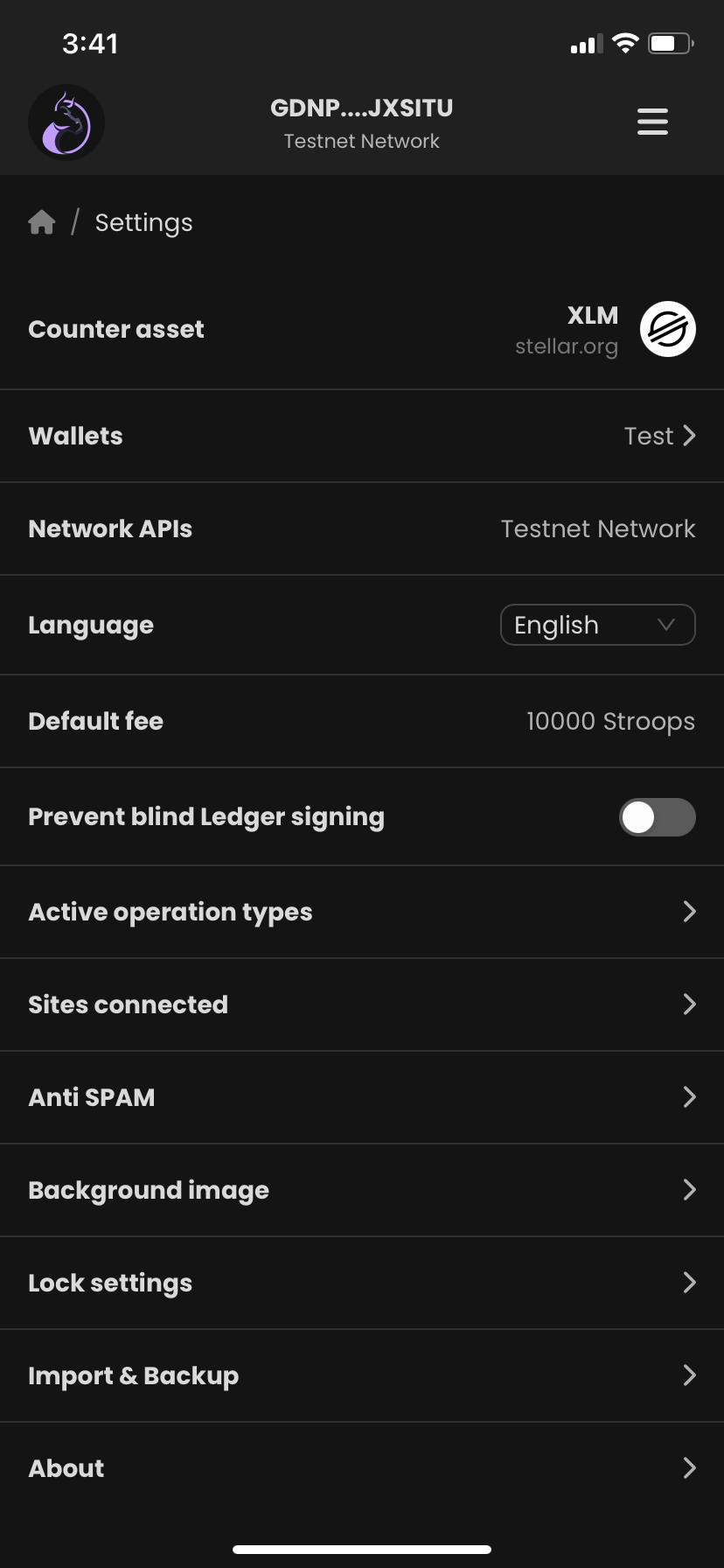
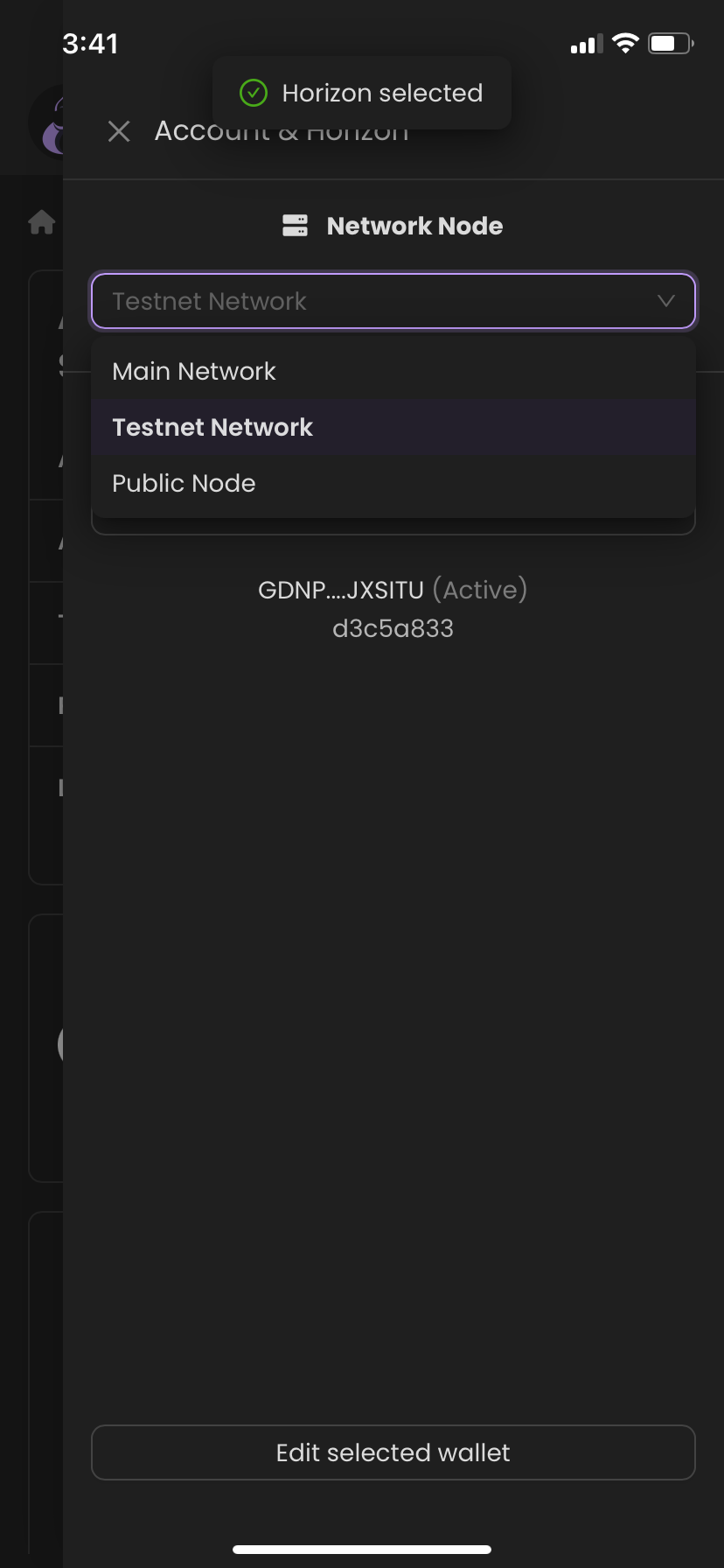
To set your wallet to use the test network in xBull is very simple. Tap the wallet Address element at the very top of the main page. This opens the wallet details, which includes a dropdown allowing you to set the network to "testnet", that's it. All that's left to do, is to fund the wallet.
Getting Testnet XLM
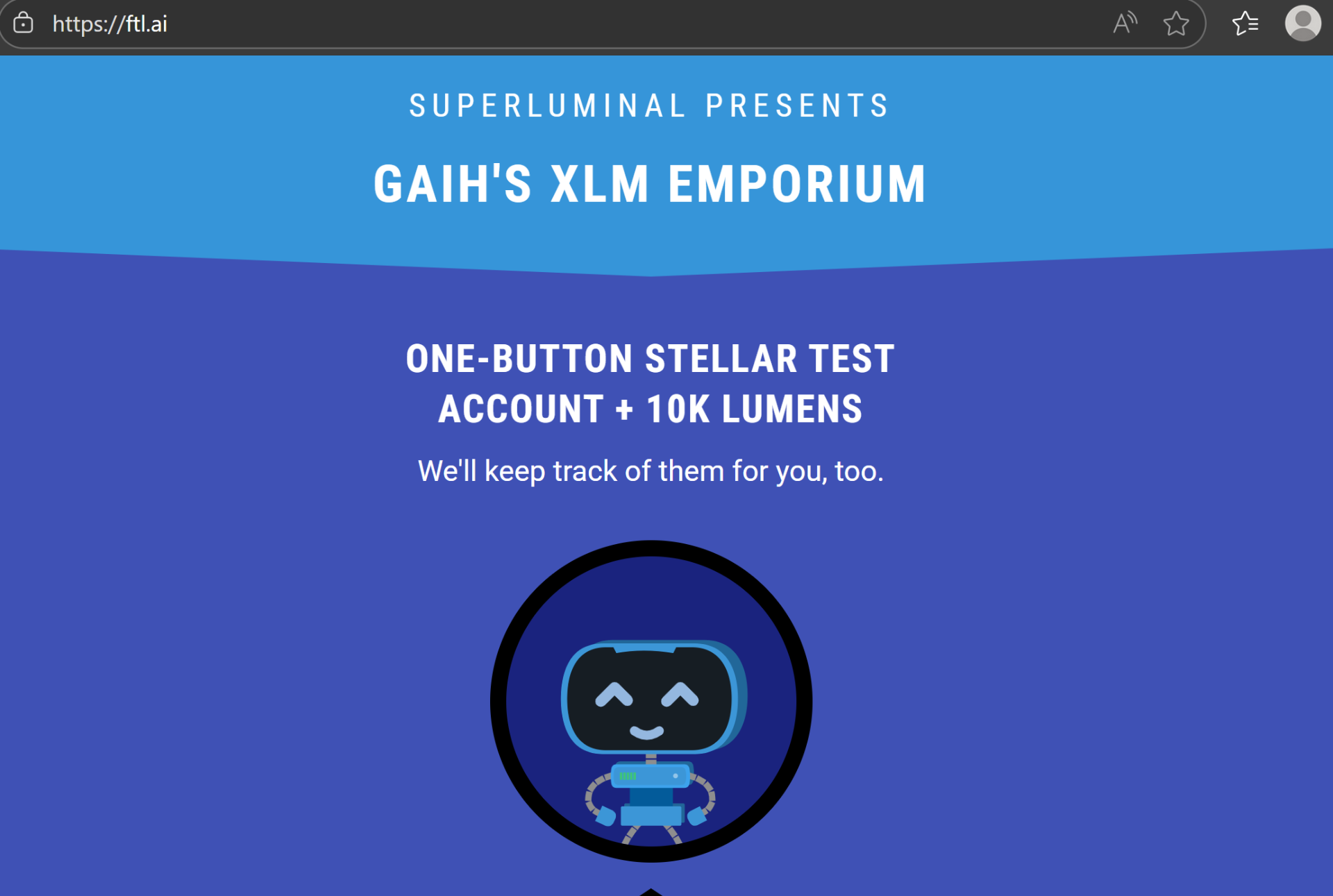
By far the easiest way to create funded Stellar testnet accounts is to use GAIH'S XLM EMPORIUM by Superluminal. Here you can create multiple pre-funded accounts, and send testnet tokens to any wallet.
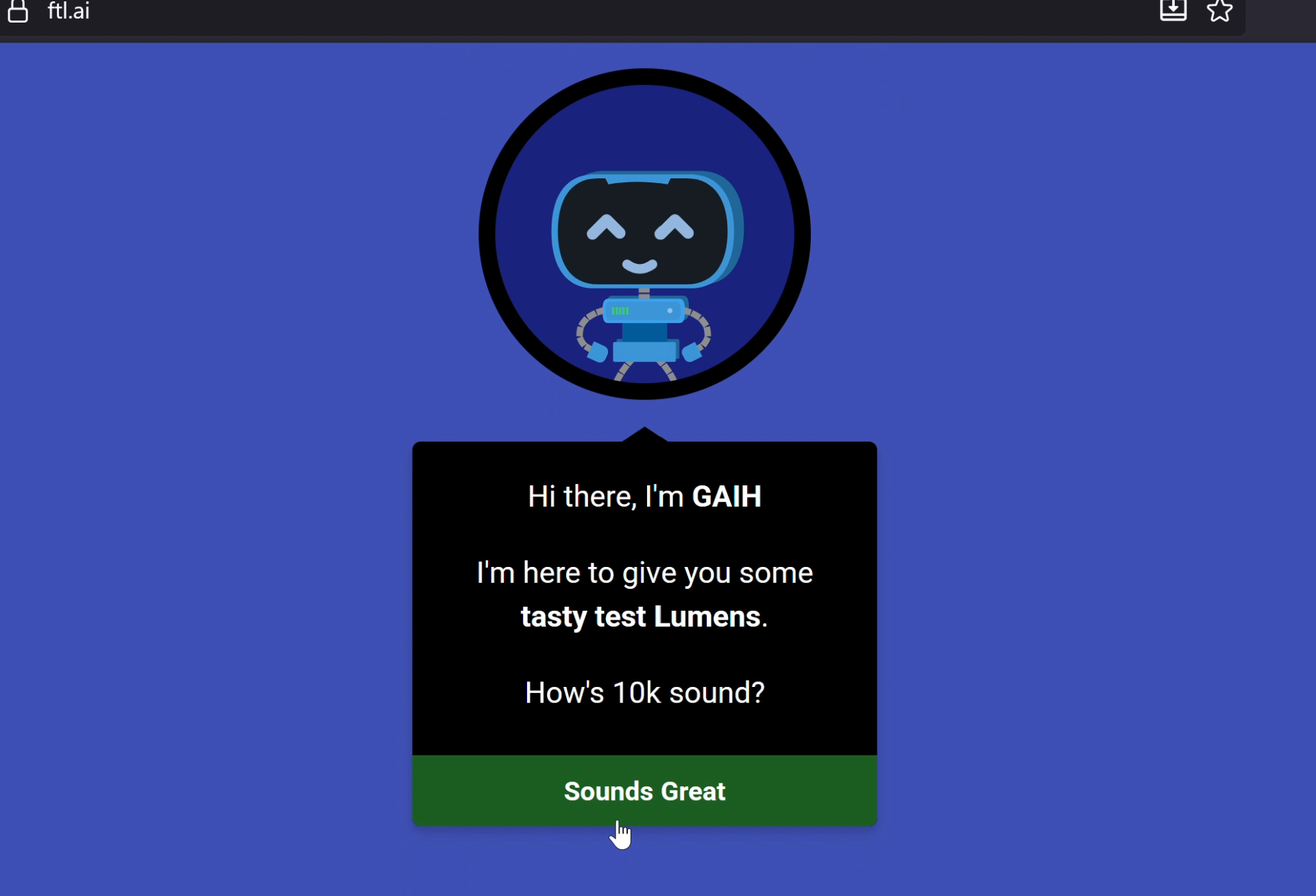
Simply click the prompt to create a new testnet account. A new account will be generated.
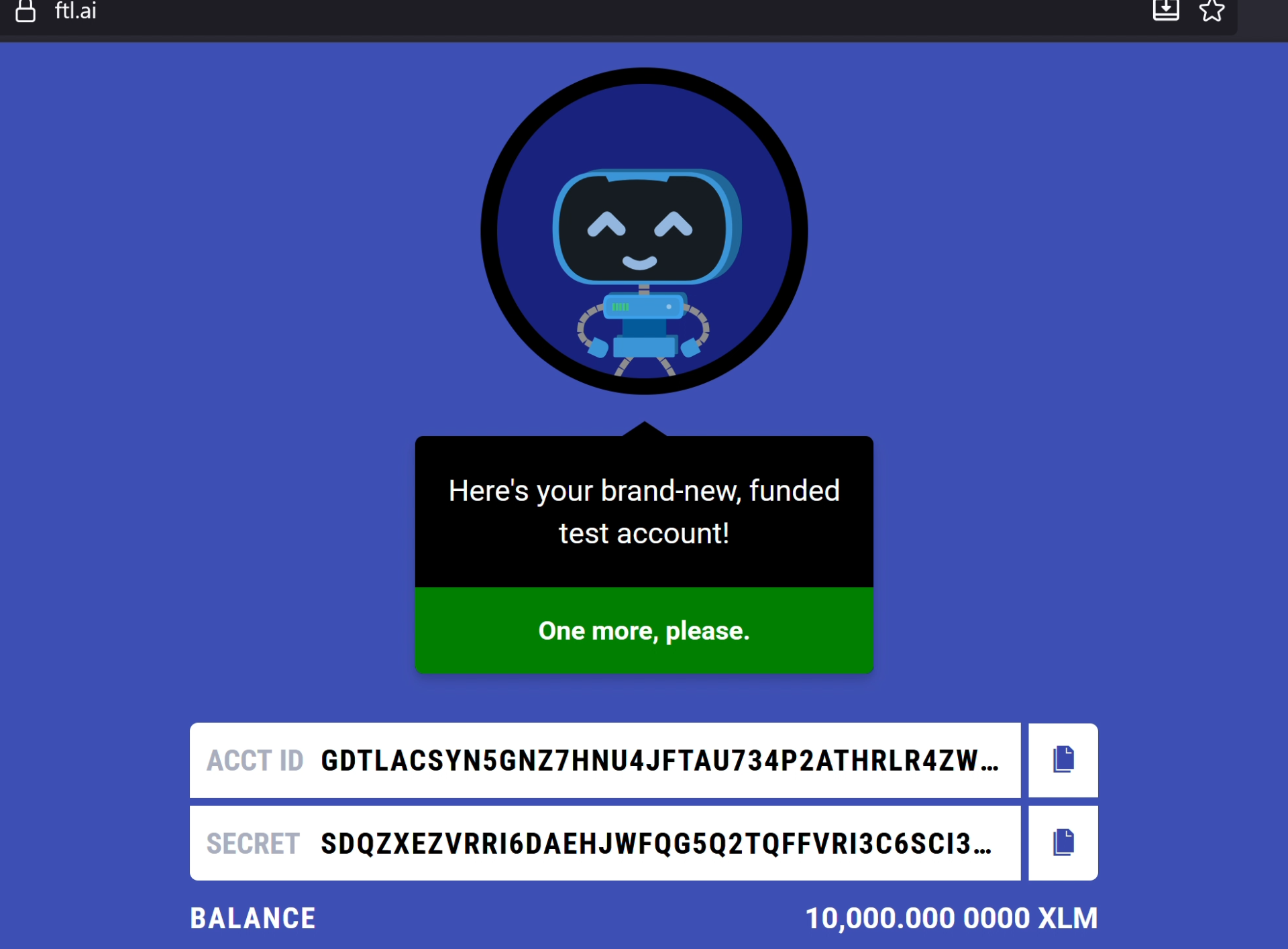
Both the public & private keys are displayed, along with the balance of testnet XLM.
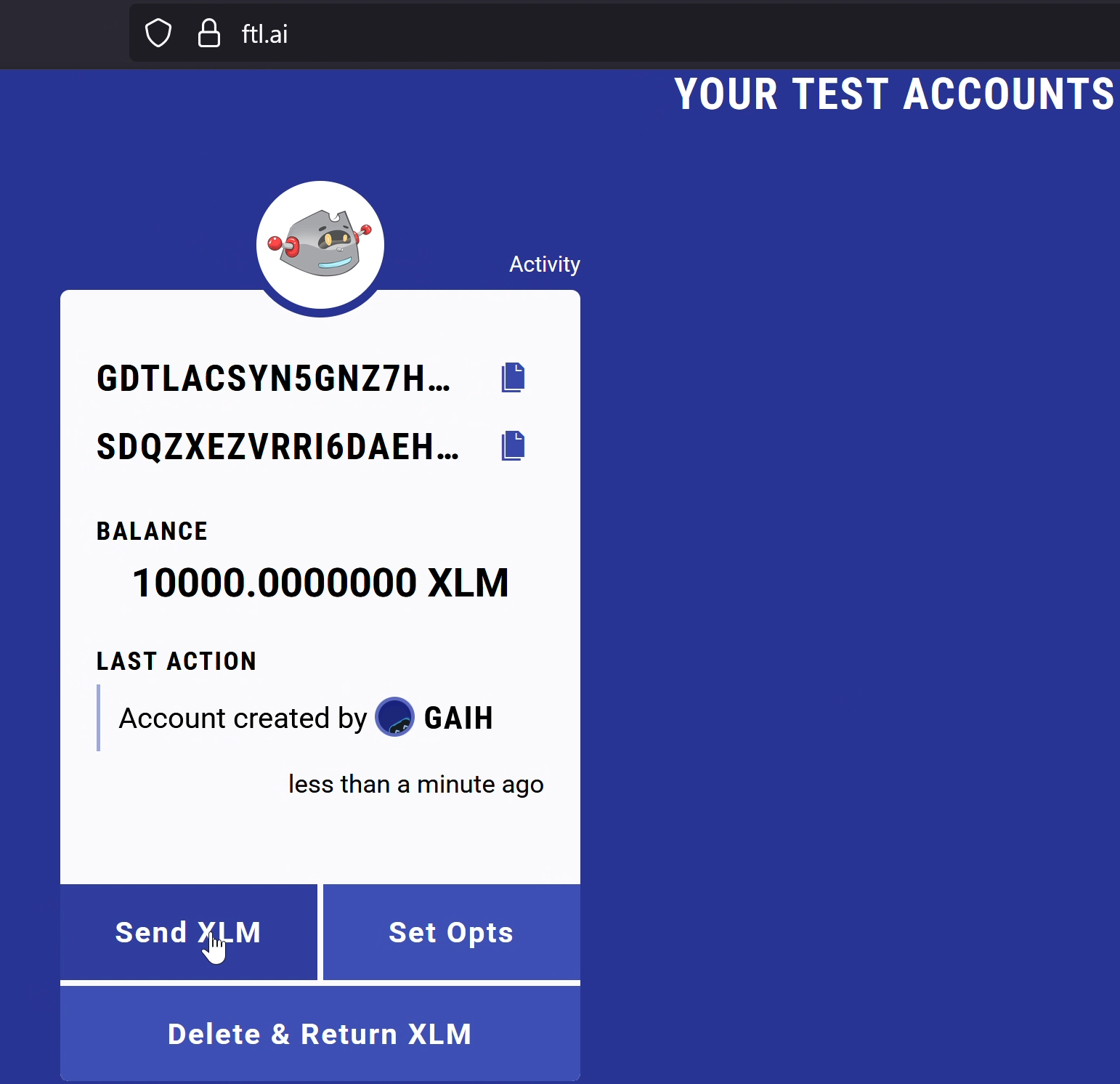
Both the public & private keys are displayed, along with the balance of testnet XLM.
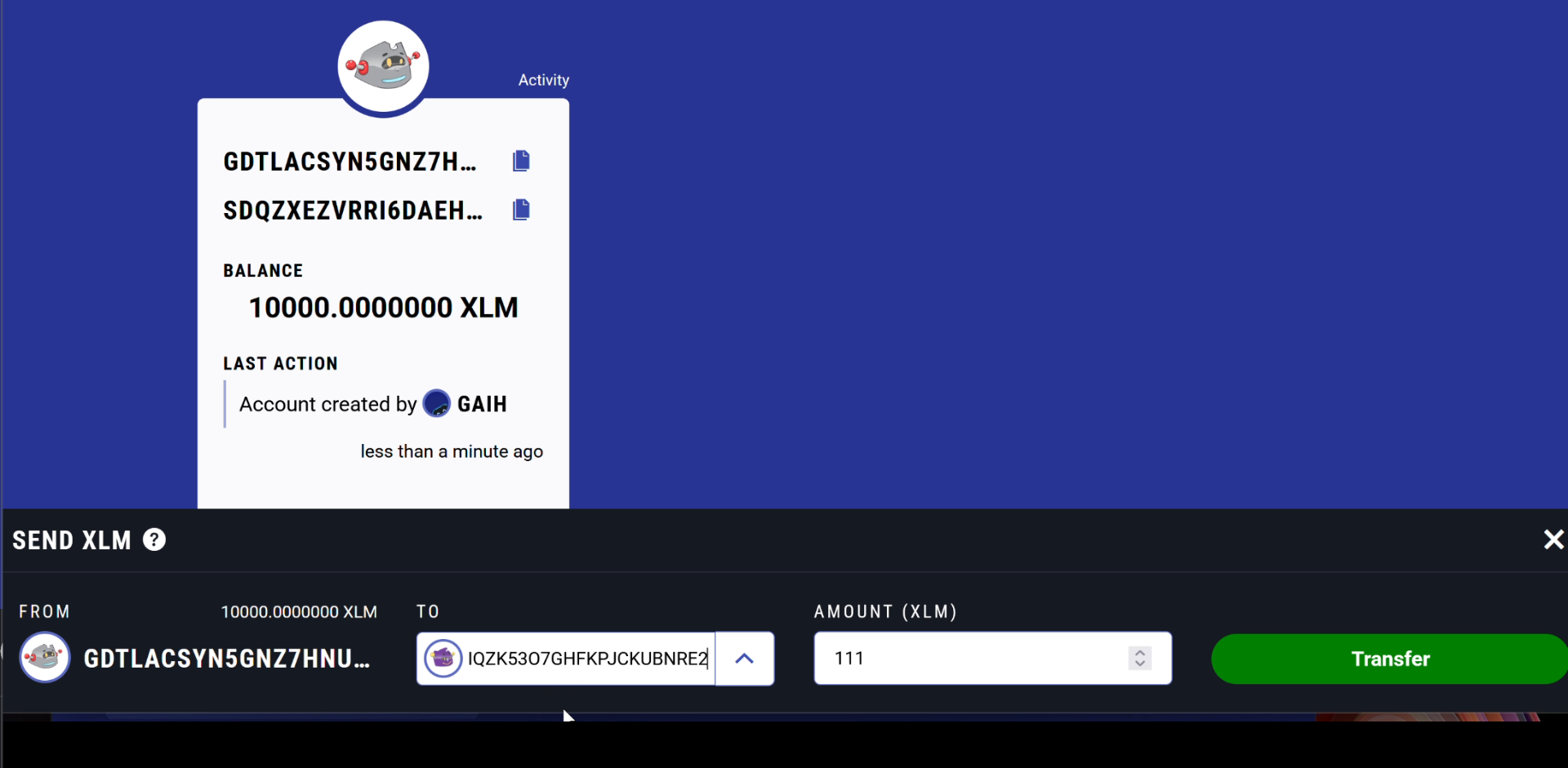
Paste your xBull Wallet Address, set the amount and press the transfer button. The testnet tokens will be sent to your xBull Wallet, and done. That's how easy it is to use Lobstr for testing and development.